TaskNotes app · 1.0.5
Work with tasks
Capture, edit, organize, complete, archive, and search tasks in the TaskNotes app.
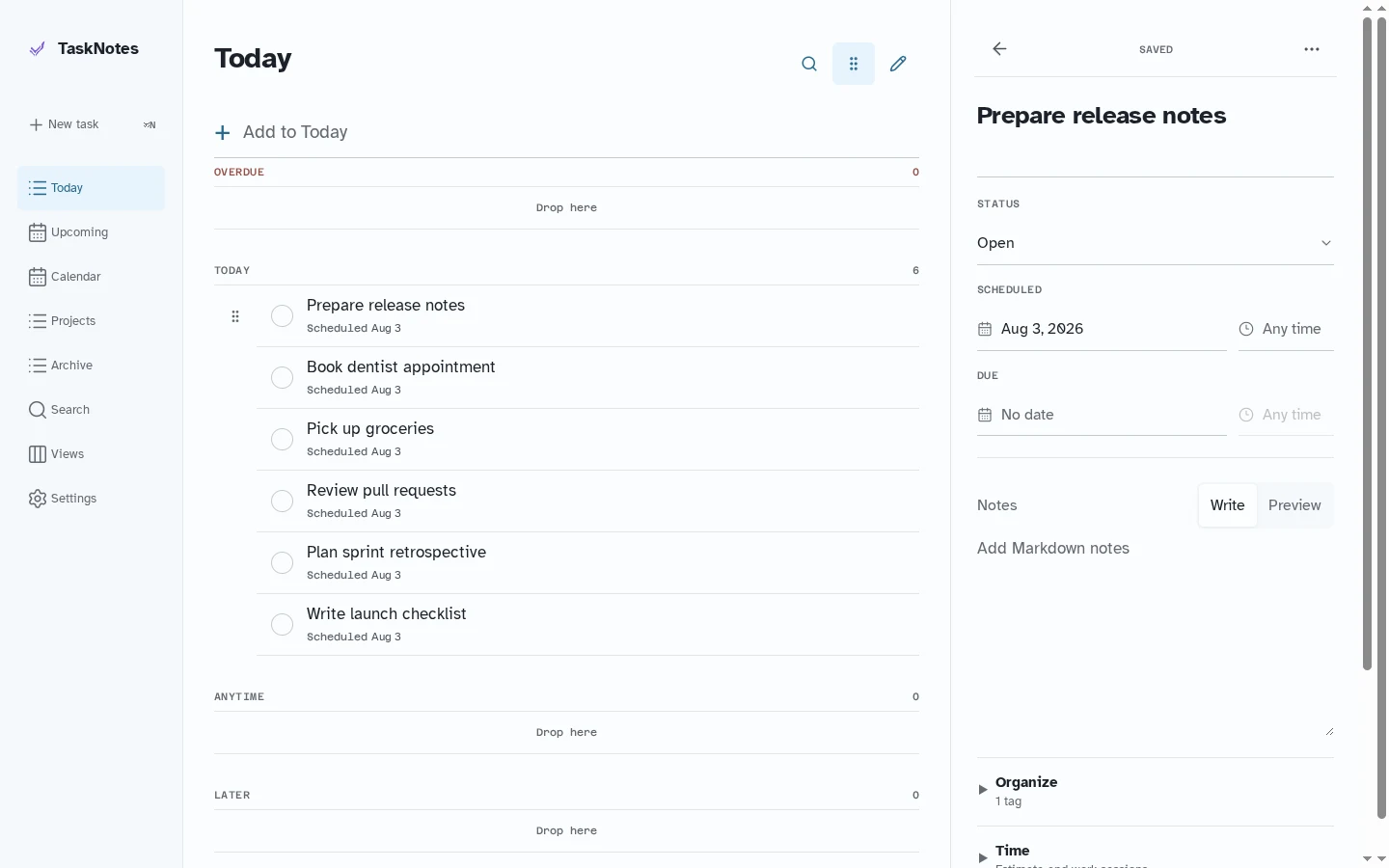
Capture#
Use Add task from navigation or from a saved view. When a view has safe creation defaults, TaskNotes applies them automatically so the new task remains in that view.
Edit#
A task can contain:
- Status and priority
- Scheduled and due dates
- Markdown notes
- Projects, contexts, and tags
- Dependencies and subtasks
- Collection-defined custom properties
- Time estimates and tracked sessions
- Recurrence and occurrence-note policies
- Relative and absolute reminder definitions
Background saves remain ordered if you navigate away while a write is still in progress.
Complete, archive, and delete#
Complete a task from its row or detail screen. Archive retains the record and may move its Markdown file according to collection settings. Delete offers a short undo period before committing the removal.
Search#
Search runs across the current collection and matches titles, notes, projects, contexts, and tags. Use Refresh now under More if a change made by another tool does not appear yet.