Features
TaskNotes includes task organization, time tracking, and calendar integration features.
Task Management
TaskNotes gives each task a structured set of properties, including status, priority, due and scheduled dates, tags, contexts, and optional estimates. Because these values live in frontmatter, they stay readable and portable while still powering advanced filtering and grouping in Bases.
Reminders can be relative (for example, "3 days before due") or absolute, and completed tasks can be archived automatically to keep active work surfaces focused.
See Task Management for details. For recurrence behavior, see Recurring Tasks. For reminder setup and data format, see Task Reminders.
Filtering and Views
TaskNotes uses Obsidian's Bases engine for filtering, sorting, and grouping. Each view is a .base file, so you can inspect or edit its query logic directly instead of relying on hidden plugin state.
This design also makes view customization practical: you can duplicate a default view, tweak grouping or formulas, and keep both versions side by side in your vault.
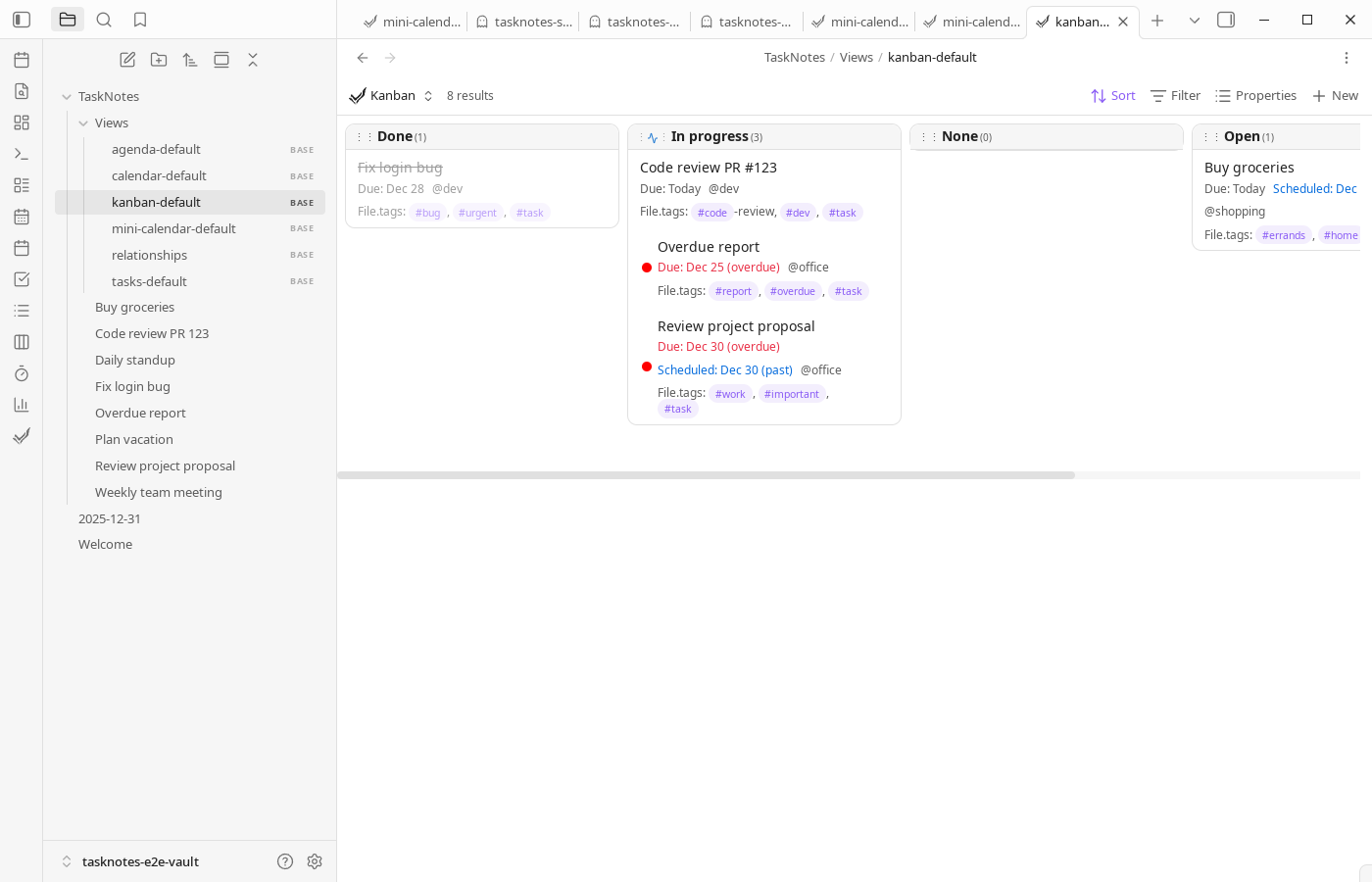
For details on how Bases integration works, see Core Concepts. For Bases syntax documentation, see the official Obsidian Bases documentation.
Inline Task Integration
Inline task features let you work from normal notes without context switching. Task links can display interactive cards, checkboxes can be converted into full task notes, and project notes can surface subtasks and dependency relationships in place.
Natural language parsing supports date, priority, and context extraction across multiple languages, which helps keep fast capture while preserving structured data.
See Inline Task Integration for details.
Time Management
Time tracking records work sessions per task, and Pomodoro mode supports focused intervals with break handling. Over time, the statistics views help you compare estimated versus actual effort and spot trends in workload distribution.
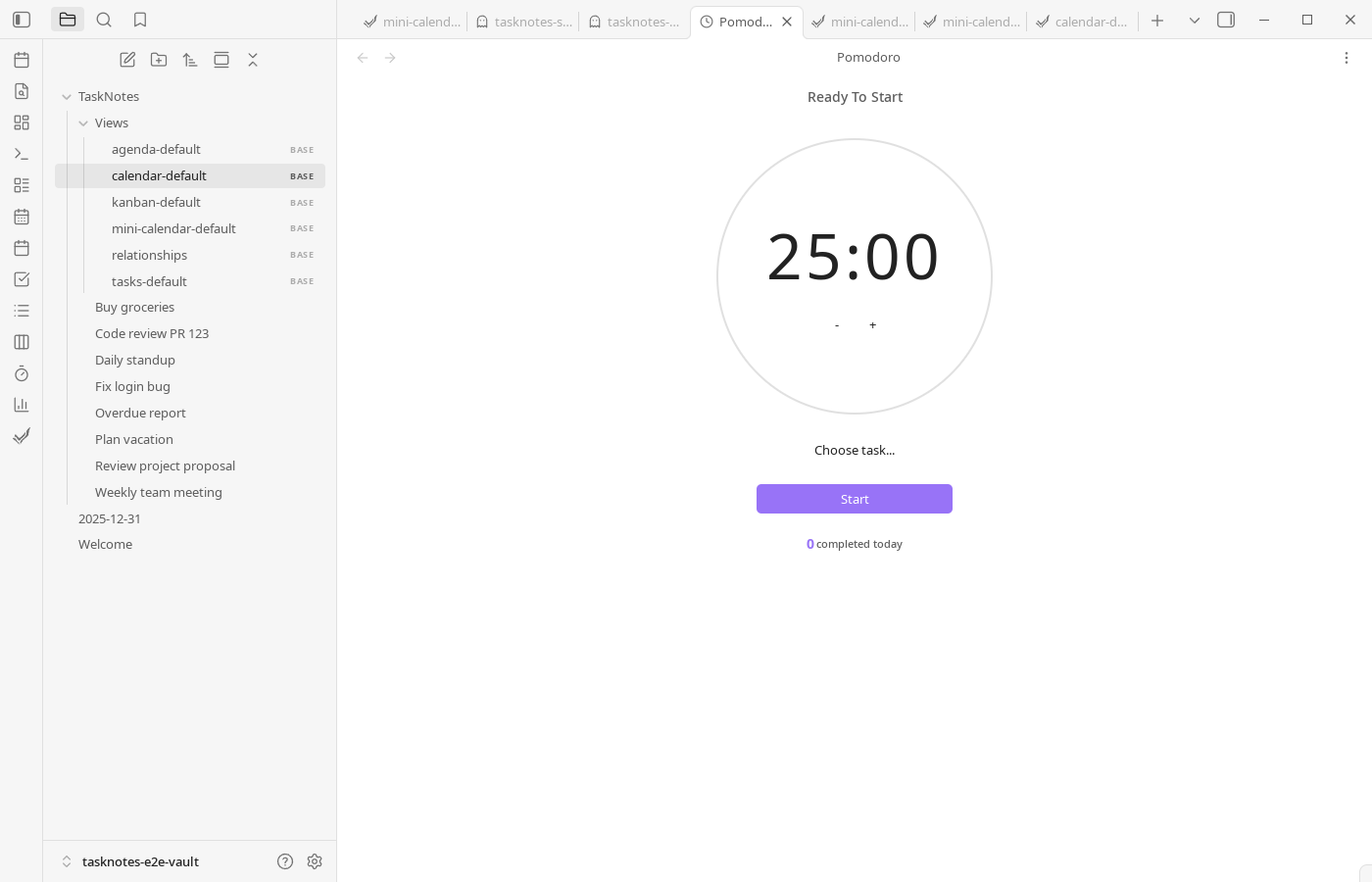
See Time Management for details.
Calendar Integration
TaskNotes supports bidirectional OAuth sync with Google Calendar and Microsoft Outlook, plus read-only ICS subscriptions for external feeds. Calendar views include month, week, day, year, and list modes, and drag-and-drop scheduling can update tasks directly.
For planning workflows, time-blocking and calendar-linked task updates connect backlog management with schedule execution in the same workspace.
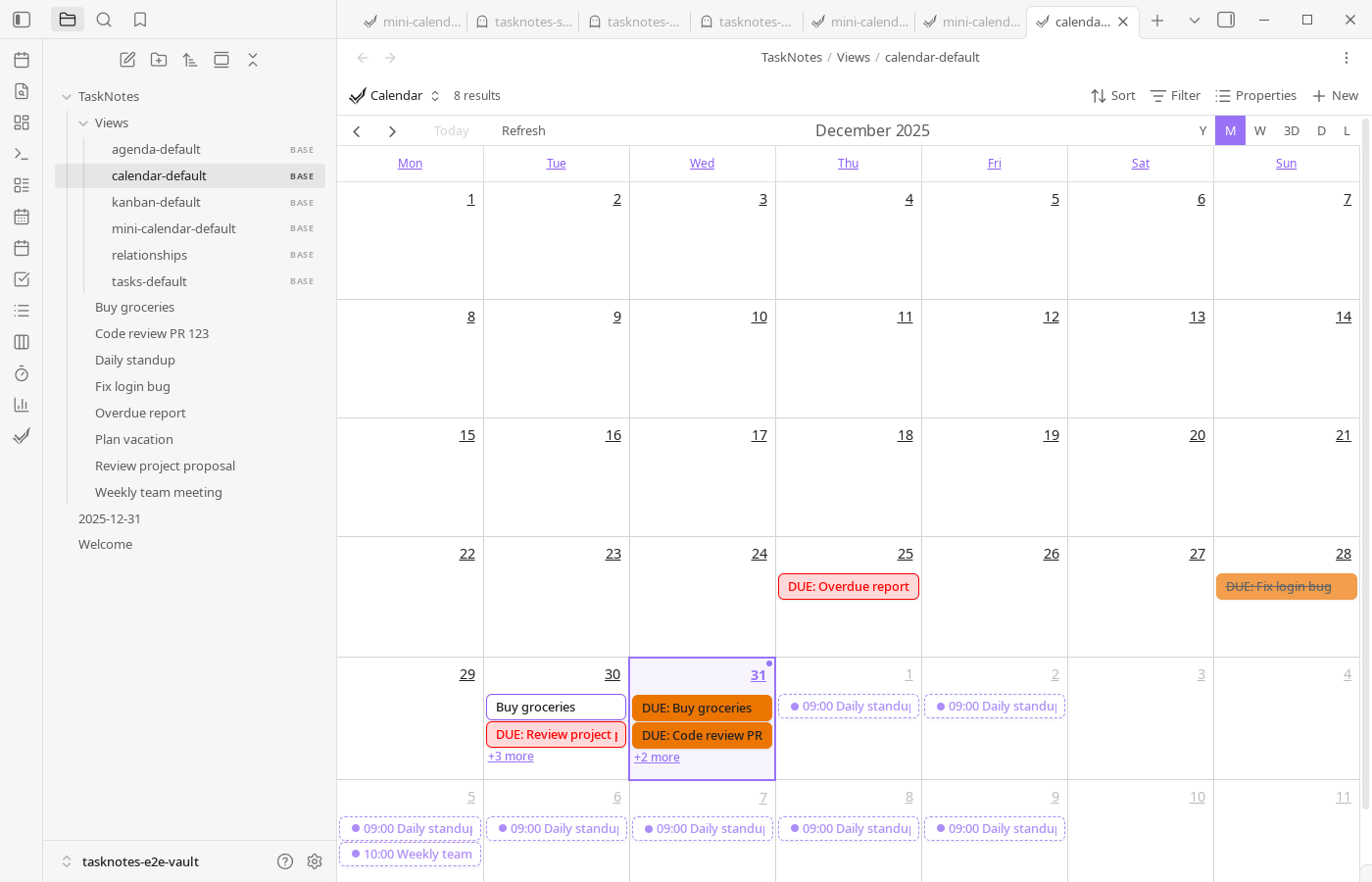
See Calendar Integration for details.
User Fields
User fields let you extend the core model with vault-specific metadata like client, energy level, billing code, or review state. Once added, these fields become available in filters, sorting, templates, and formulas.
See User Fields for details.
Integrations
Beyond calendar sync, TaskNotes includes an HTTP API and webhook support for automation workflows, external dashboards, or custom tooling.
See Integrations for details.
REST API
External applications can interact with TaskNotes through its REST API for automation, reporting, and integration with other tools.
See HTTP API for details.