TaskNotes Documentation
TaskNotes is a task and note management plugin for Obsidian that follows the "one note per task" principle. Each task is a Markdown file with structured metadata in YAML frontmatter.
Requirements
TaskNotes requires Obsidian 1.10.1 or later and depends on the Bases core plugin. Before you begin, open Obsidian Settings and confirm Bases is enabled under Core Plugins.
Getting Started
1. Install and Enable
Install TaskNotes from Community Plugins in Obsidian settings, then enable it. If Bases is still disabled, enable it right away so TaskNotes views can open correctly.
2. Create Your First Task
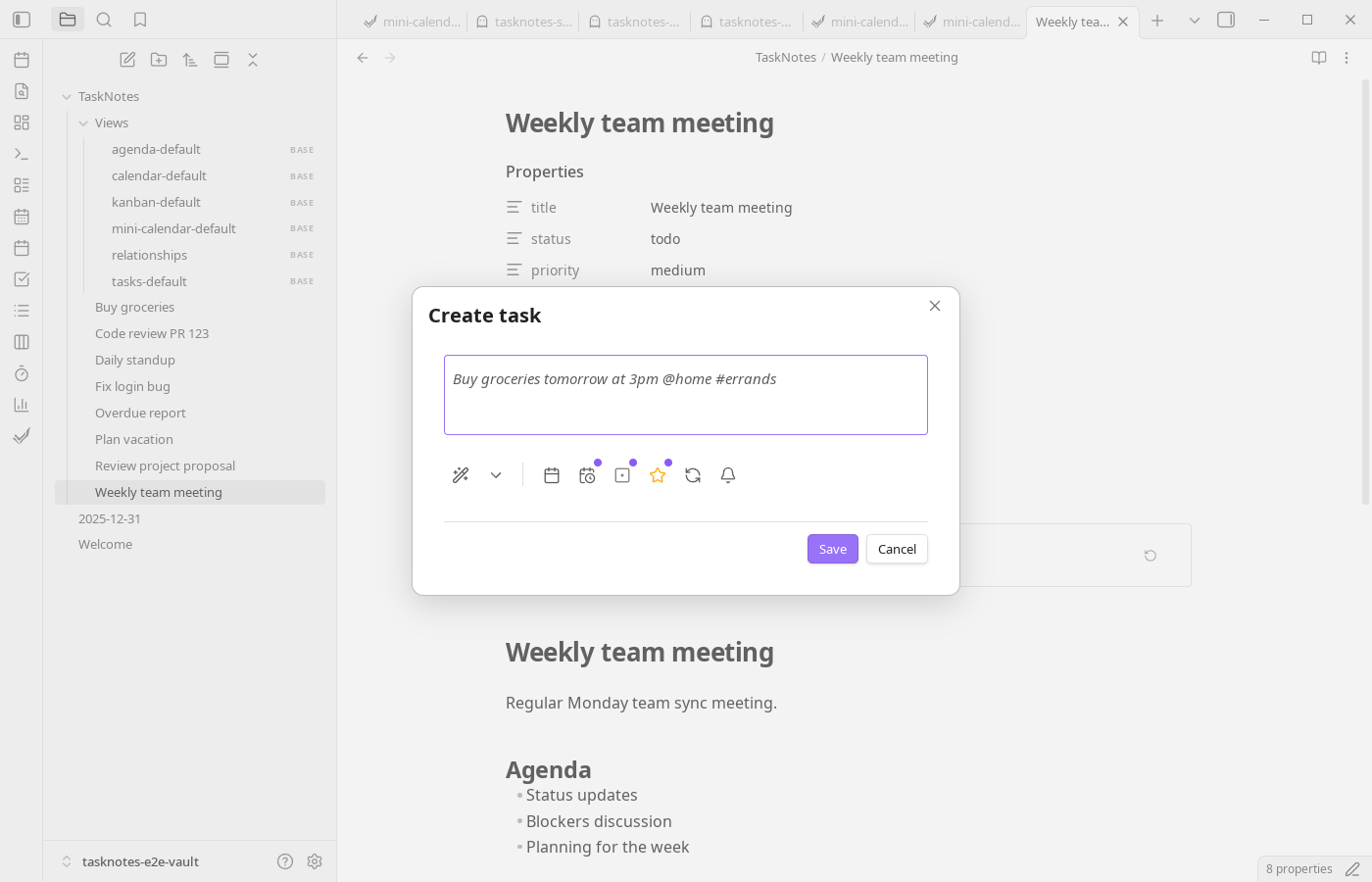
Press Ctrl+P (or Cmd+P on macOS), run TaskNotes: Create new task, fill in the modal, and save. If you prefer inline workflows, start with a checkbox like - [ ] Buy groceries and convert it using the inline task command.
3. Open the Task List
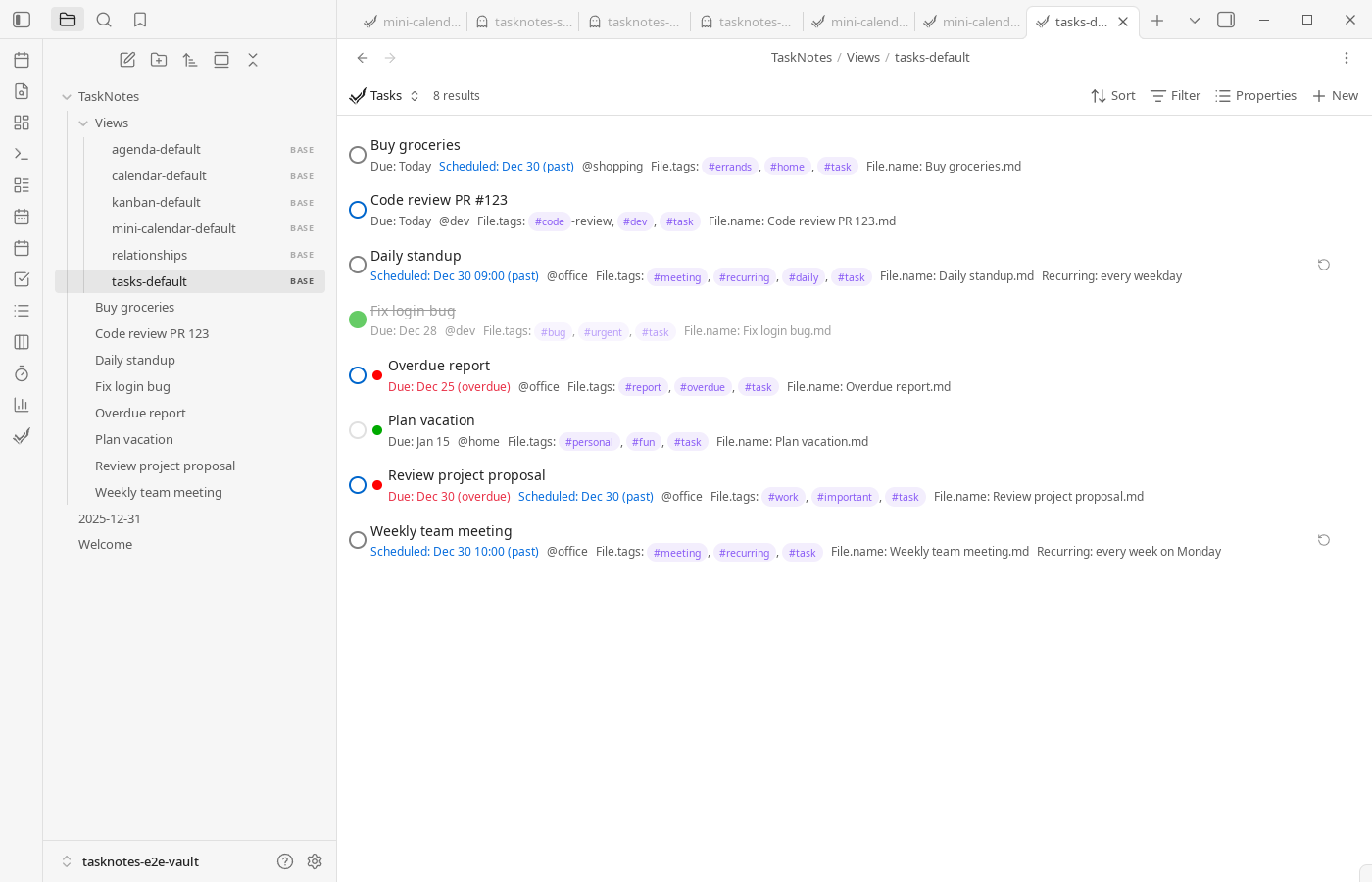
Open your first view from the TaskNotes ribbon icon or by running TaskNotes: Open tasks view from the command palette. This opens the default Task List .base file inside TaskNotes/Views.
4. Explore
Use Core Concepts to understand the data model, Features for workflow capabilities, Views for interface behaviour, and Settings to tune TaskNotes for your vault.