Views
TaskNotes provides multiple views for managing tasks and tracking productivity. All task-focused views operate as .base files located in the TaskNotes/Views/ directory and require Obsidian's Bases core plugin to be enabled.
For details on Bases integration and how to enable it, see Core Concepts. For view templates and configuration examples, see Default Base Templates.
Task-Focused Views
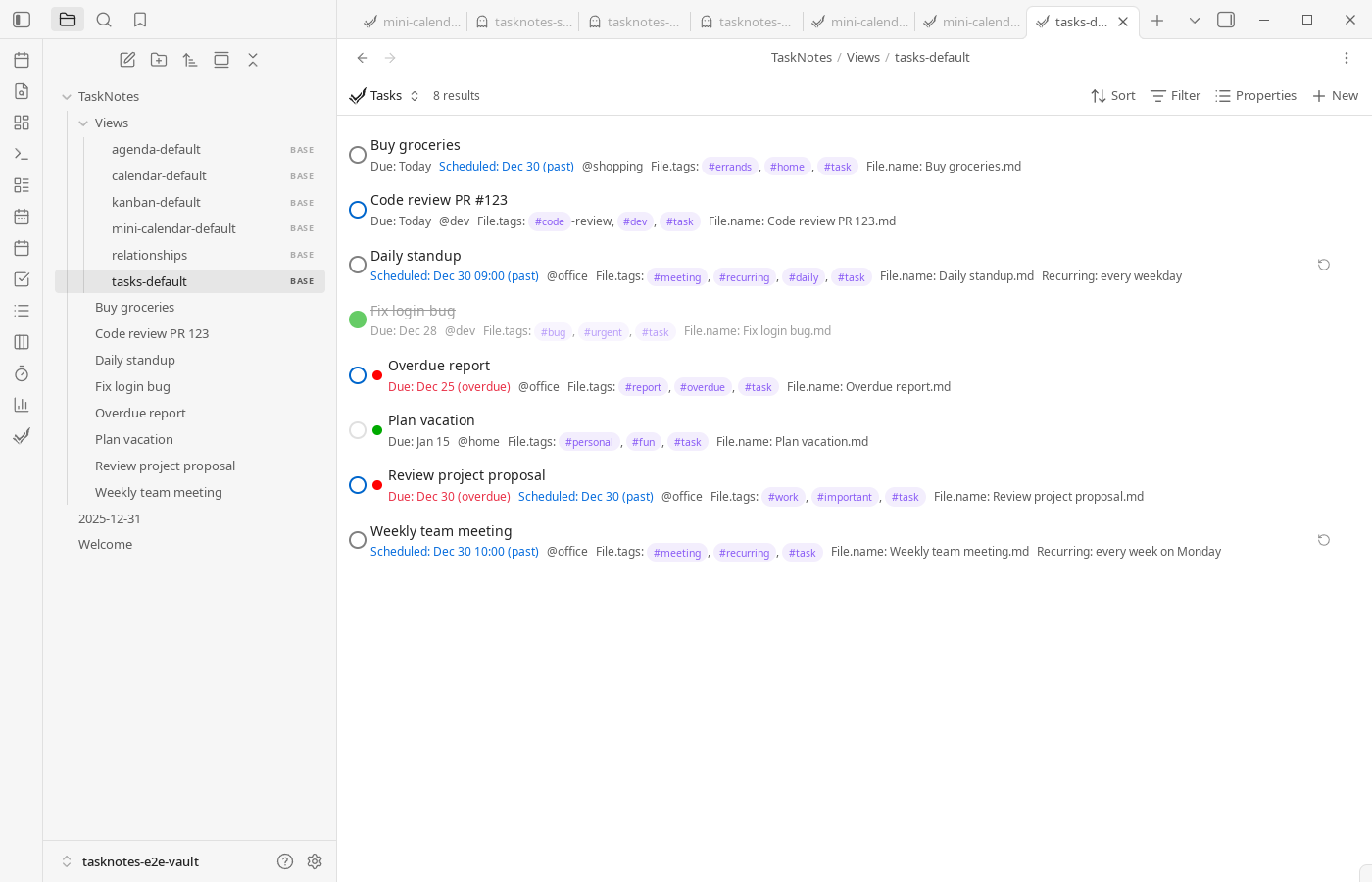
Task-focused views are different entry points into the same underlying task notes. The Task List View is a common starting view for day-to-day planning because it exposes filters, sorting, and grouping in list format.
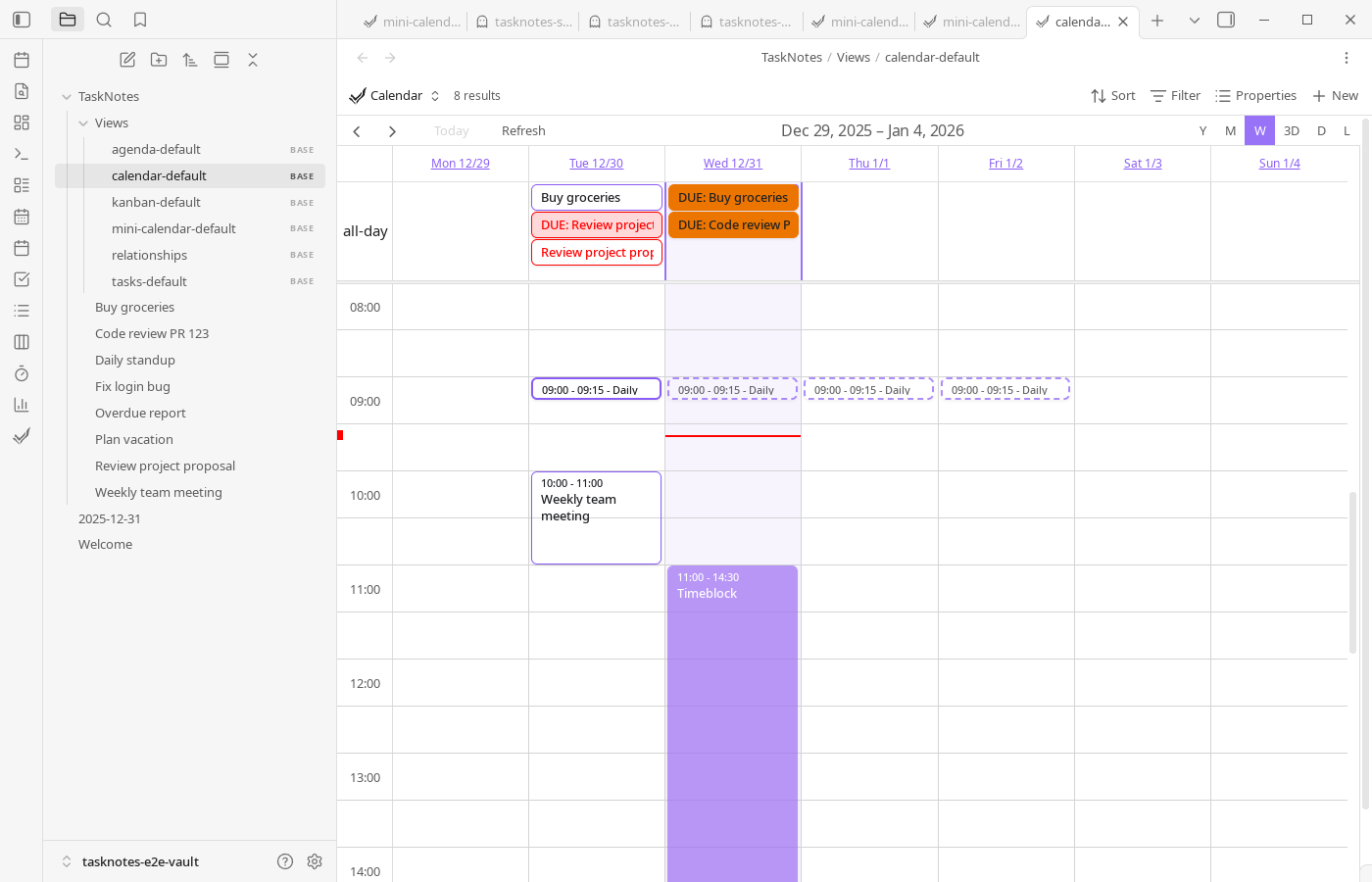
When you want workflow by status, Kanban View organizes cards into columns and can optionally add swimlanes for an extra organizational layer. Calendar Views are useful when schedule and timing matter more than backlog shape, with month/week/day/year/list modes plus drag-and-drop scheduling and time-block support.
Agenda View is a preconfigured list-oriented calendar layout designed for short-horizon planning, while MiniCalendar View gives a compact month heatmap and fast keyboard navigation.
Productivity-Focused Views
These views support time management and work tracking.
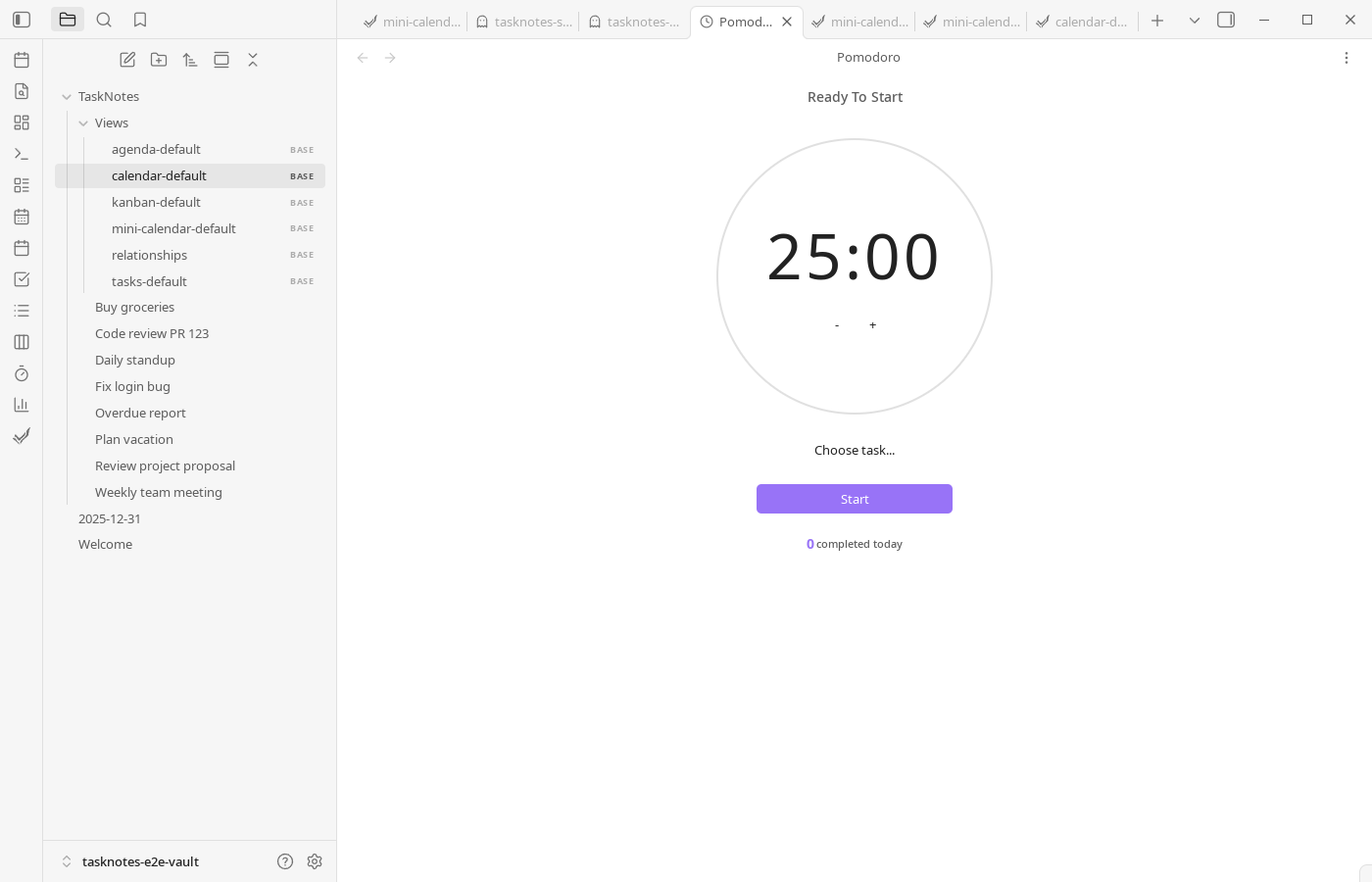
Pomodoro View supports focused intervals directly inside Obsidian, and Pomodoro Stats View summarizes completed sessions so you can see pace and consistency over time.
Screenshots in this section are captured via the Playwright docs suite (npm run e2e:docs).